Two-way customer chat: WhatsApp in your CRM or helpdesk
For support teams, CRM builders and chatbot makersYour customers already WhatsApp your business number — that conversation is just trapped in one phone. With TextMeFlow every inbound message reaches your own systems as a JSON webhook: your CRM, your helpdesk, your own chatbot.
Sending and receiving run through the same API, so a full support flow — question in, ticket created, answer back — is an afternoon of work.
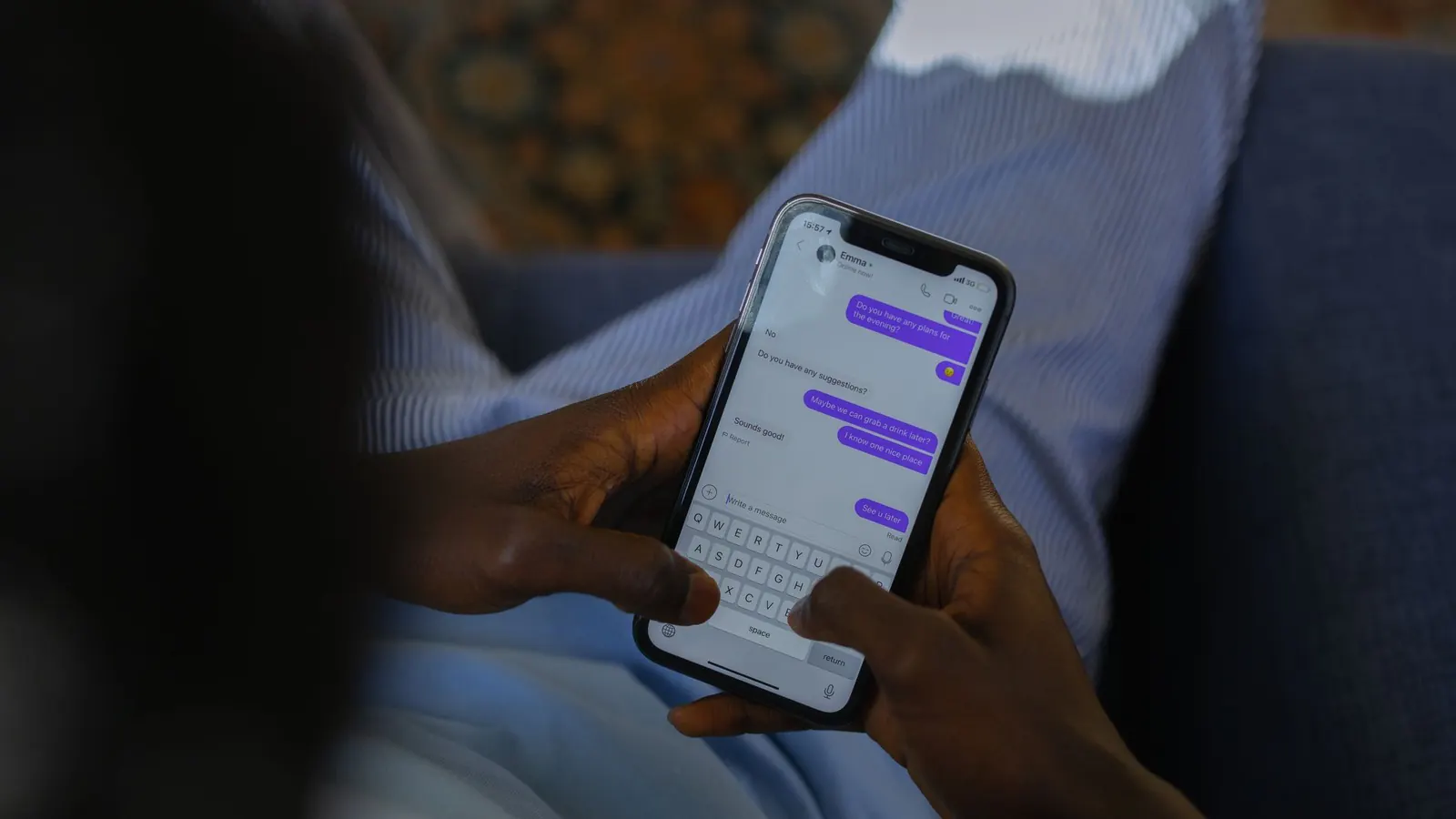
What it looks like
Green = sent via TextMeFlow (your number) · white = the customer's reply, delivered to you via webhook.
Why this works
- Every inbound message (text, photo, document, voice note) arrives as a JSON POST with HMAC signature and retry logic.
- Route by content: order questions to support, quote requests to sales, the rest to a chatbot.
- The full conversation lives in your CRM instead of in one employee's phone.
- Combine bot and human: let a bot handle the first question and escalate to a colleague when needed.
How to set it up
Set up the webhook
Set your endpoint URL in the TextMeFlow portal. Every inbound message is POSTed as JSON, HMAC-signed so you're sure it comes from us.
Connect to your system
Turn every new conversation into a ticket or thread in your CRM/helpdesk. In n8n or Make that's a Webhook trigger plus your CRM node.
Send the replies
Agents (or your bot) reply through the same /v1/messages API — the customer notices no difference from a regular WhatsApp chat.
# Inbound webhook payload (POSTed to your endpoint):
{
  "from": "+32476999000",
  "text": "My order #3391 is the wrong colour",
  "media": null,
  "received_at": "2026-07-14T09:41:03Z",
  "signature": "sha256=..."
}
Ready-made message templates
Copy, replace the {placeholders} with your own variables, done.
Hi {first_name}! Thanks for your message — I'm creating ticket #{ticket} right away. We reply within {response_time}.
We're currently closed (Mon-Fri 9am-5pm). Your question is logged as ticket #{ticket} — you'll hear from us first thing tomorrow!
Your question was forwarded to {department}. {name} is taking over — you'll get the answer right here in this chat.
Does that solve it, {first_name}? Reply YES to close the ticket, or just ask your next question.
GDPR tip
Inbound conversations are customer-initiated — replying is always fine. Store conversations in your CRM per your own retention policy; TextMeFlow itself logs no message content and provides a DPA with every paid plan.
Want to send WhatsApp messages via API yourself?
Free forever up to 50 messages/month. Scan a QR and send your first message within 5 minutes.
Free forever